
 AustraliaVisas
Eswatini applicants for Australia visas can now use Immi App instead of biometrics centres
Australia's Department of Home Affairs has added Ghana, Eswatini and other African countries to the list of 52 where eligible visa applicants can submit passport details and a facial photo through the Immi App, avoiding a trip to a biometrics centre.
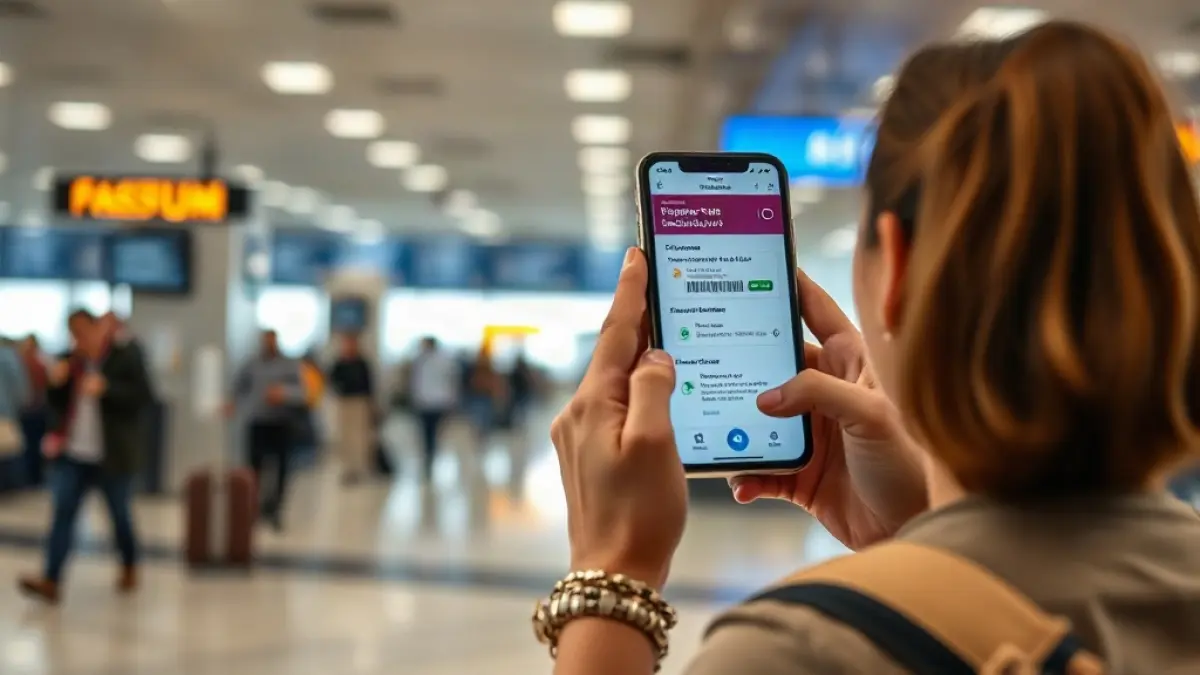
Eligible Australian visa applicants in Ghana and Eswatini can now submit their passport details and a live facial photograph on a smartphone, instead of travelling to a biometrics centre. Australia's Department of Home Affairs included both countries in a list of 52 countries where applicants can use the Australian Immi App, on a page updated on Tuesday.
Key facts
- 52 countries are listed where eligible applicants can use the Australian Immi App.
- The African countries named are Algeria, Egypt, Eswatini, Ethiopia, Ghana, Lesotho, South Africa, Uganda and Zimbabwe, plus Somalia for third-country nationals.
- Applicants need a biometrics letter with a Visa Lodgement Number starting with AUI and a valid passport.
- Anyone whose lodgement number does not start with AUI must still attend an Australian Biometrics Collection Centre in person.
- The app retains no copy: passport details and face images go to the department once the check is submitted.
What is changing?
The Immi App reads an applicant's passport data page and its chip, then asks the person to confirm the details, take a photograph and submit the identity check. Once the check is sent, the passport details and face images go to the Department of Home Affairs, and the app keeps no copy of them.
Who is affected?
The change applies to eligible Australian visa applicants in the 52 listed countries. Among the African countries named are Eswatini, Ghana, Algeria, Egypt, Ethiopia, Lesotho, South Africa, Uganda and Zimbabwe, plus Somalia for third-country nationals.
Applicants still have to attend an Australian Biometrics Collection Centre in person if their Visa Lodgement Number does not begin with AUI. Each family member has a separate lodgement number, and the department says the correct number must be entered for each person.
What does my phone need?
The device needs a steady mobile or Wi-Fi connection, camera access for the app, Near-Field Communication switched on and location services available. Applicants can check whether their device is compatible in the Apple App Store or the Google Play Store.
What are the photo rules?
The department requires the face to look straight at the camera, with eyes open and visible, glasses off where practical and nothing covering the face. Heavy make-up can affect whether the photograph is accepted. If the photo keeps failing after several attempts, the biometrics letter explains how to give biometrics at a collection centre instead.
What this means for travellers
Applicants in Eswatini and the other listed countries should first check their biometrics letter: only those with a Visa Lodgement Number starting with AUI can use the Immi App. They should also confirm their phone meets the connection, camera, NFC and location requirements before starting, and enter a separate lodgement number for each family member.
The Department of Home Affairs page listing the 52 eligible countries was updated on Tuesday. No fee for using the Immi App is stated.
Also about:  Ghana
 Eswatini
 Algeria
 Egypt
 Ethiopia
 Lesotho
 South Africa